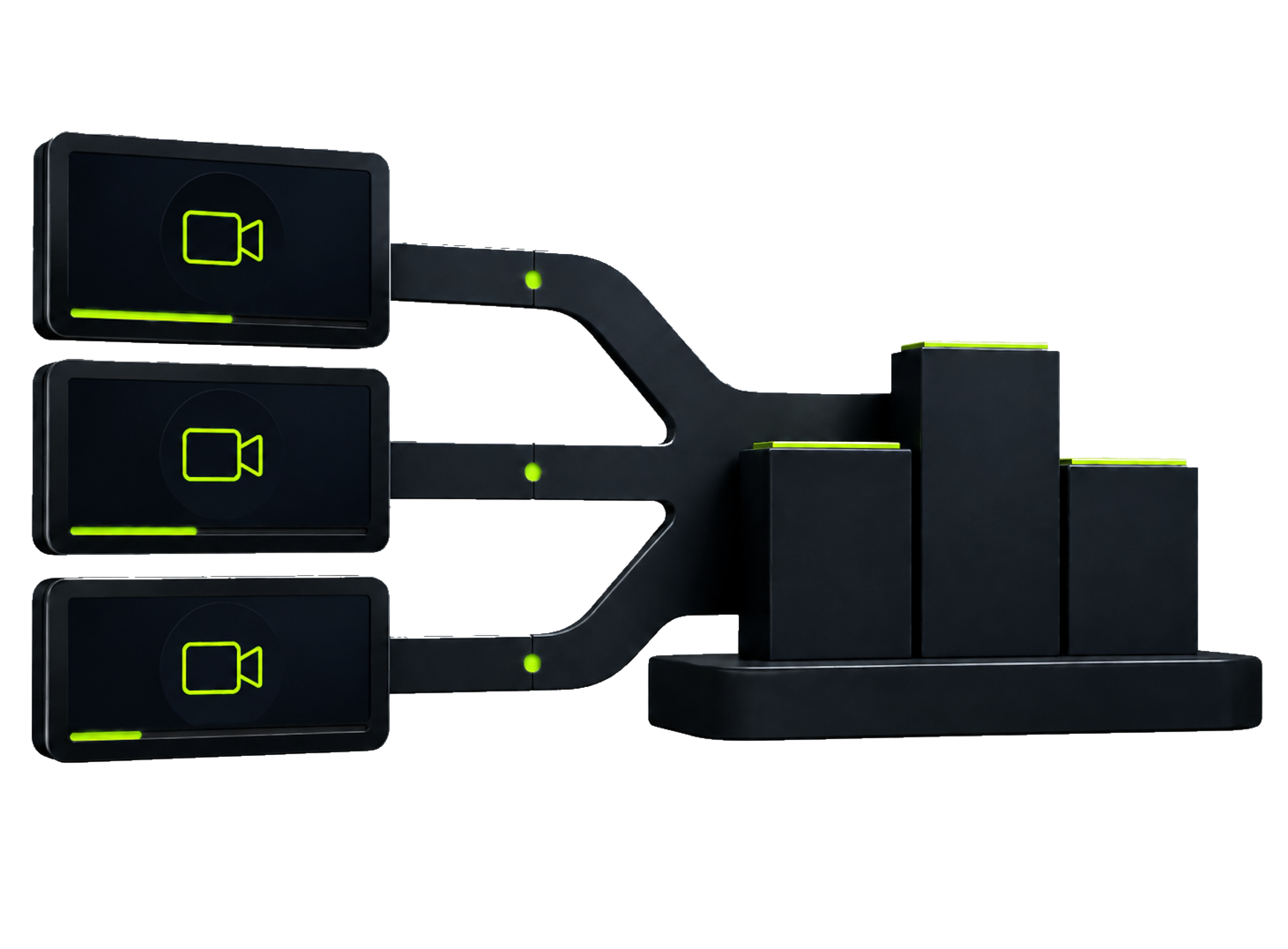
Video Ranking
Combine clips, put them in order, and build an eye-catching top list in minutes.
Explore →
Create short-form videos on one platform: rankings, AI images, scripts, voiceovers and creative video formats — faster, simpler.
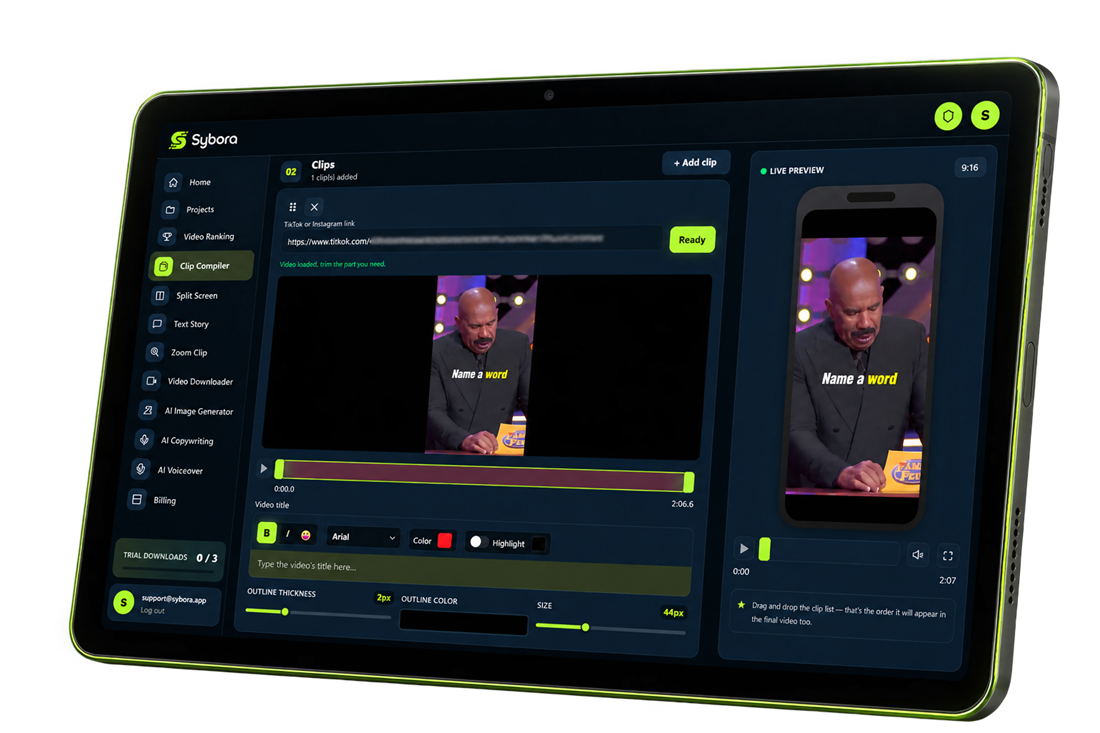
EVERYTHING IN ONE PLACE
No need to jump between five different apps. Create, edit and export on a single platform.
Combine clips, put them in order, and build an eye-catching top list in minutes.
Explore →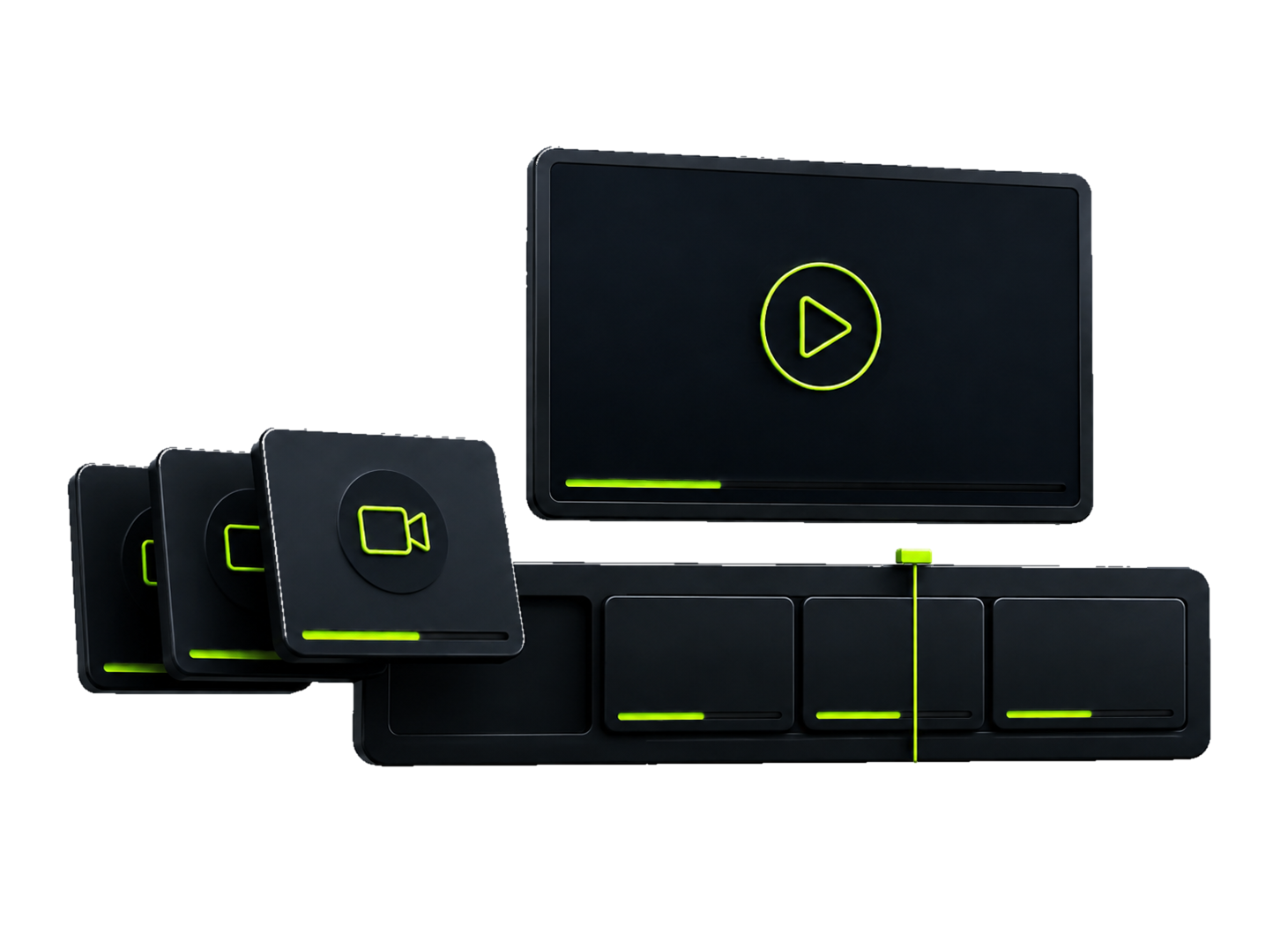
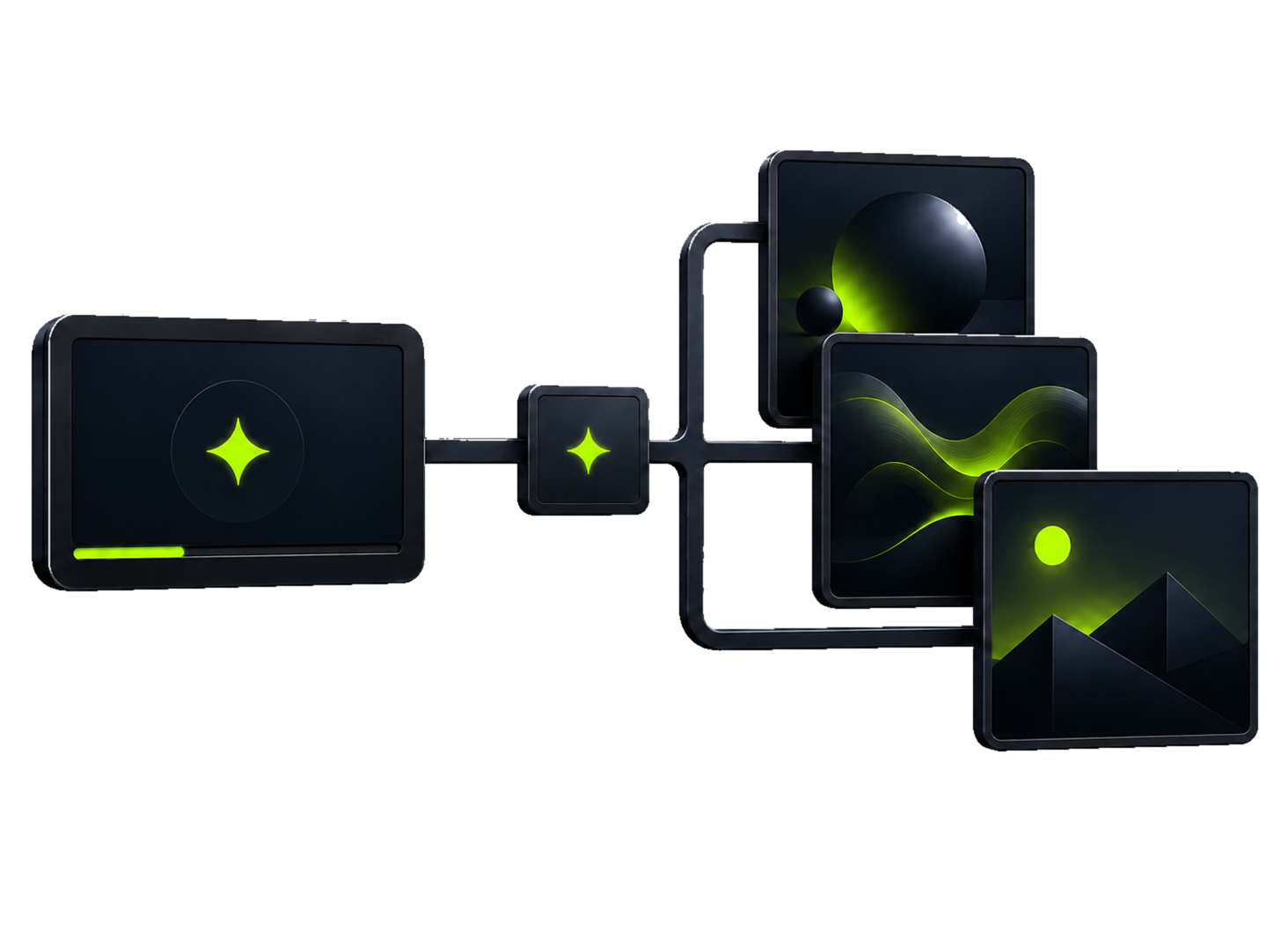
Create unique visuals from a simple text description, matched to your video's style.
Explore →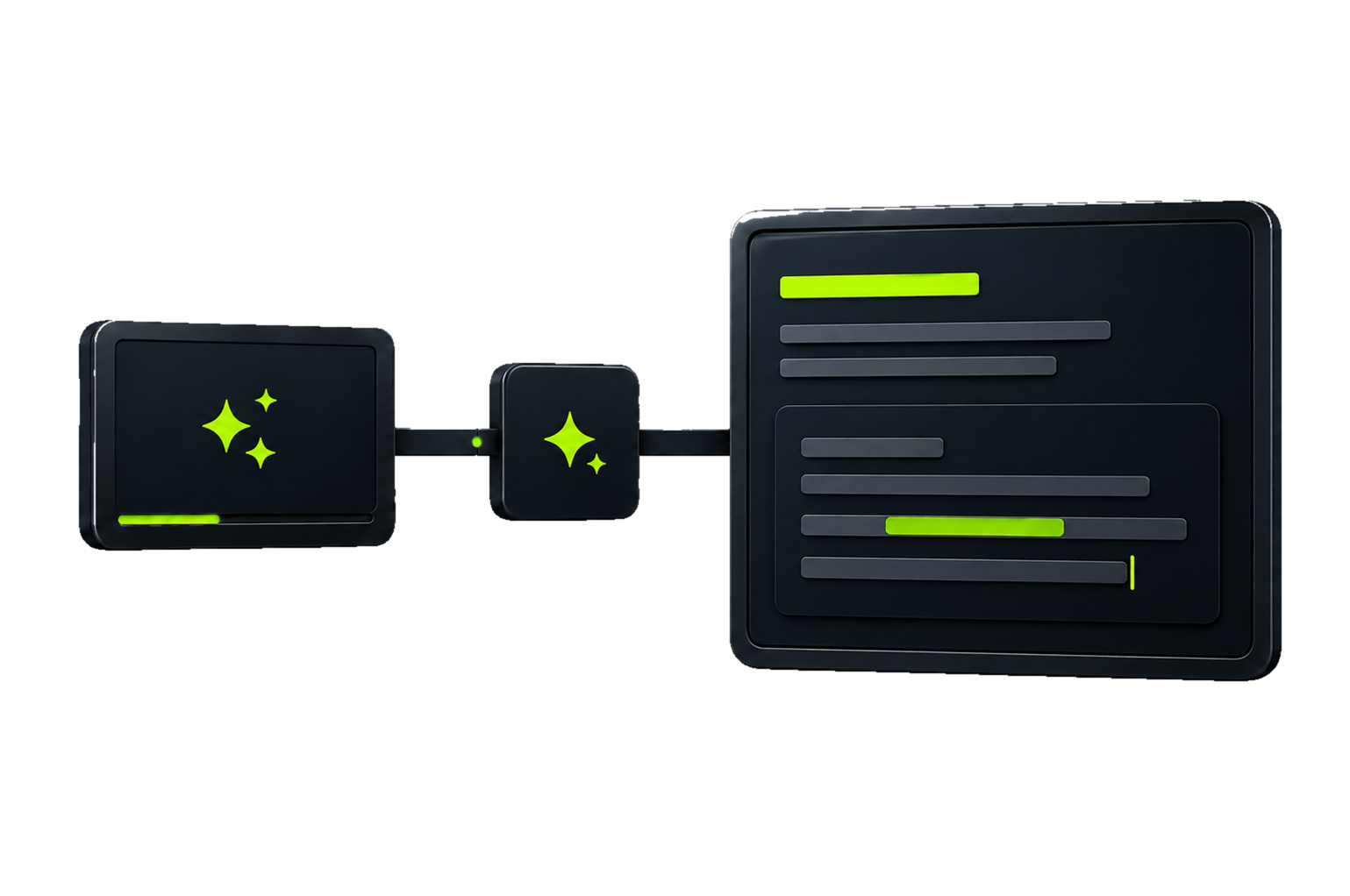
Write punchy titles, hooks, captions and full video scripts with the help of AI.
Explore →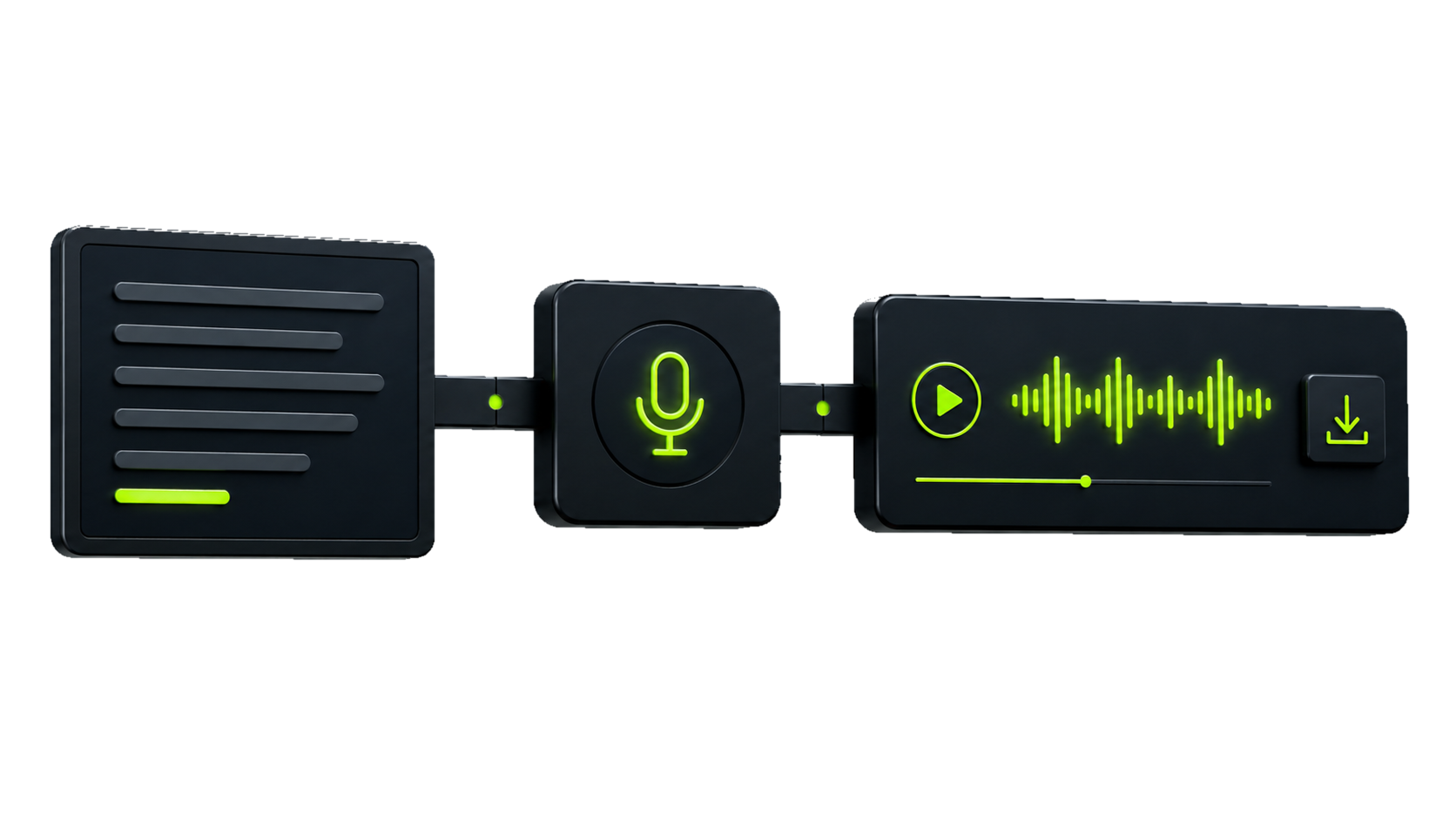
Turn your script into a natural-sounding, downloadable voiceover in just a few clicks.
Explore →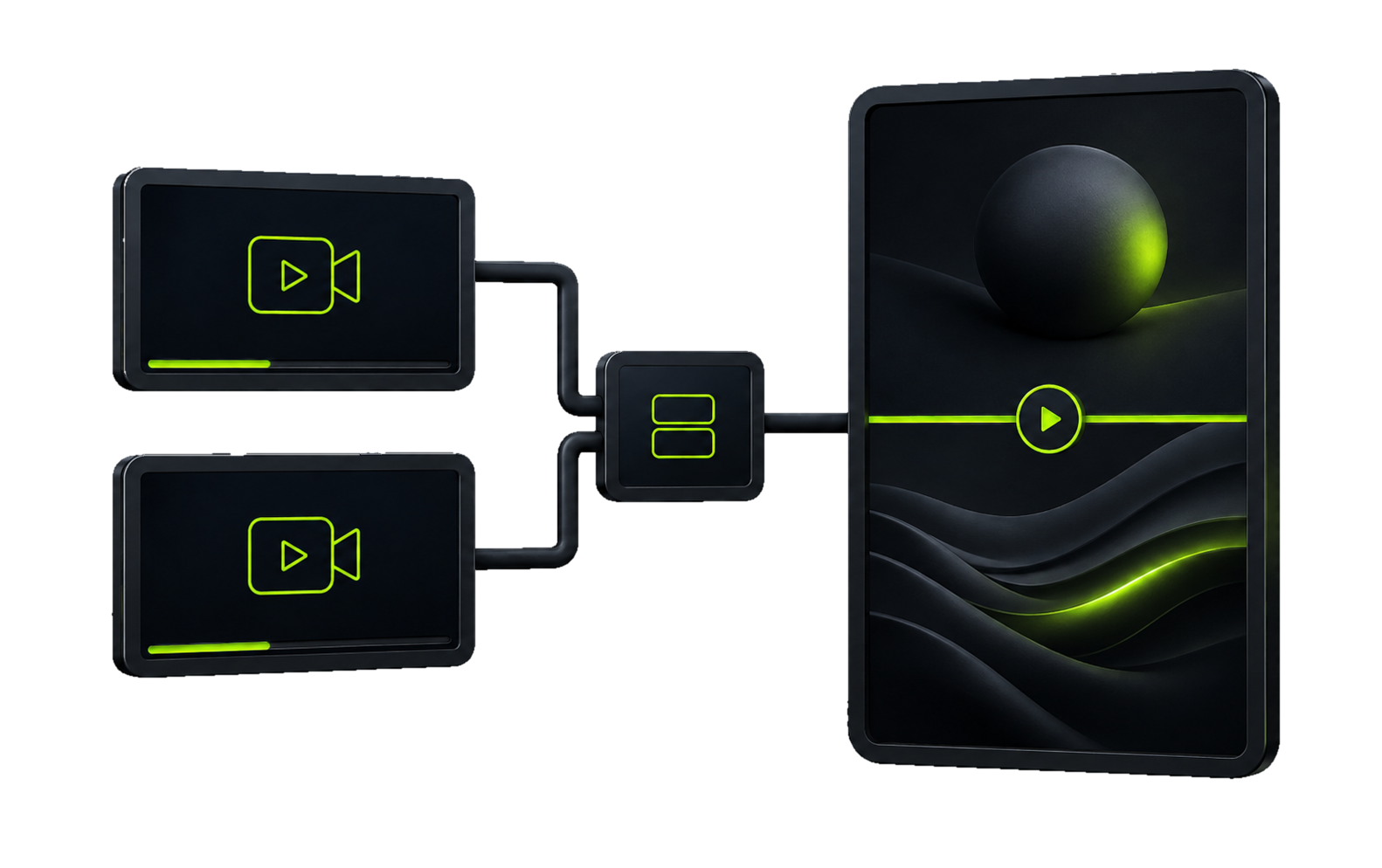
Combine two clips in a split-screen layout and shape the format to your own style.
Explore →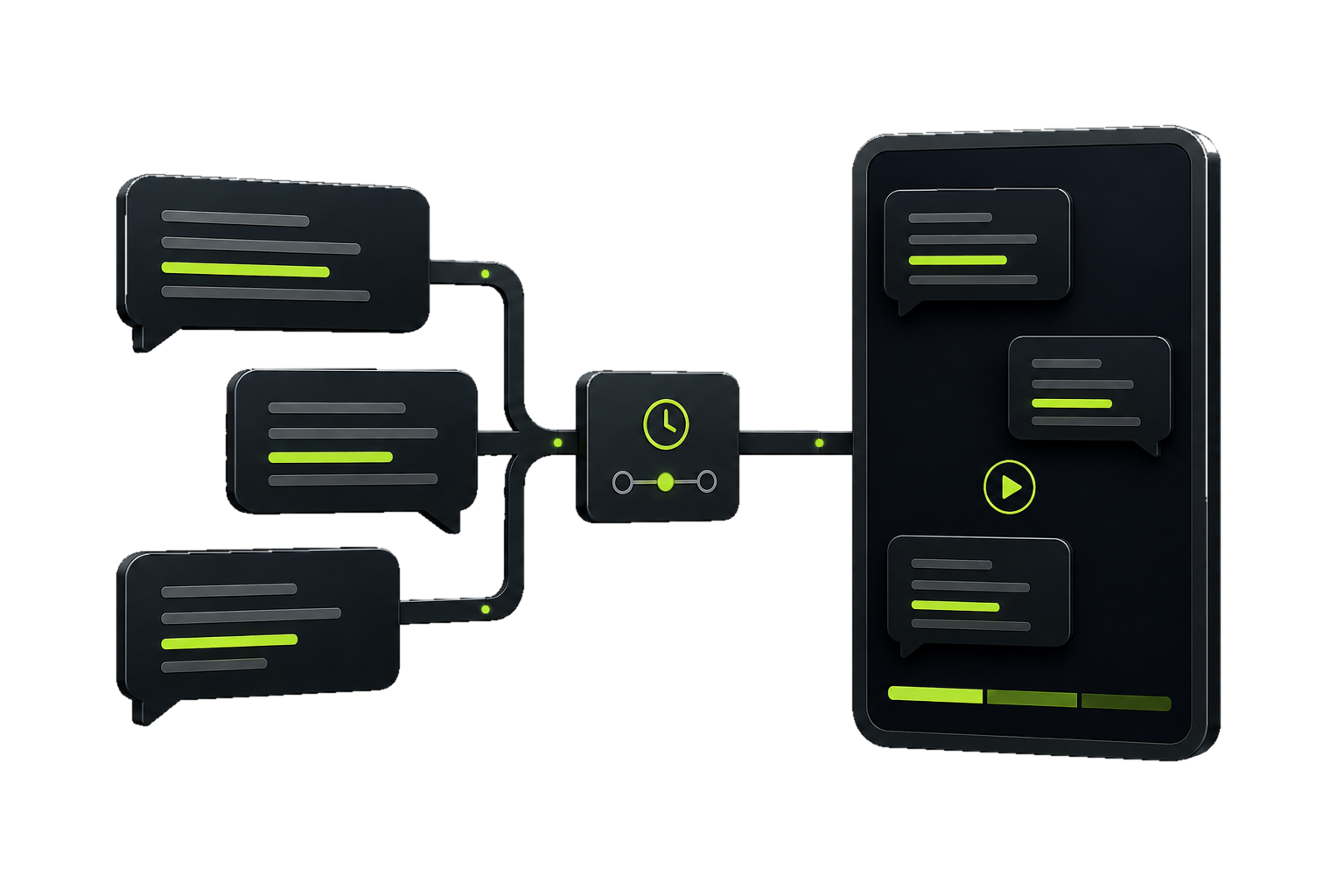
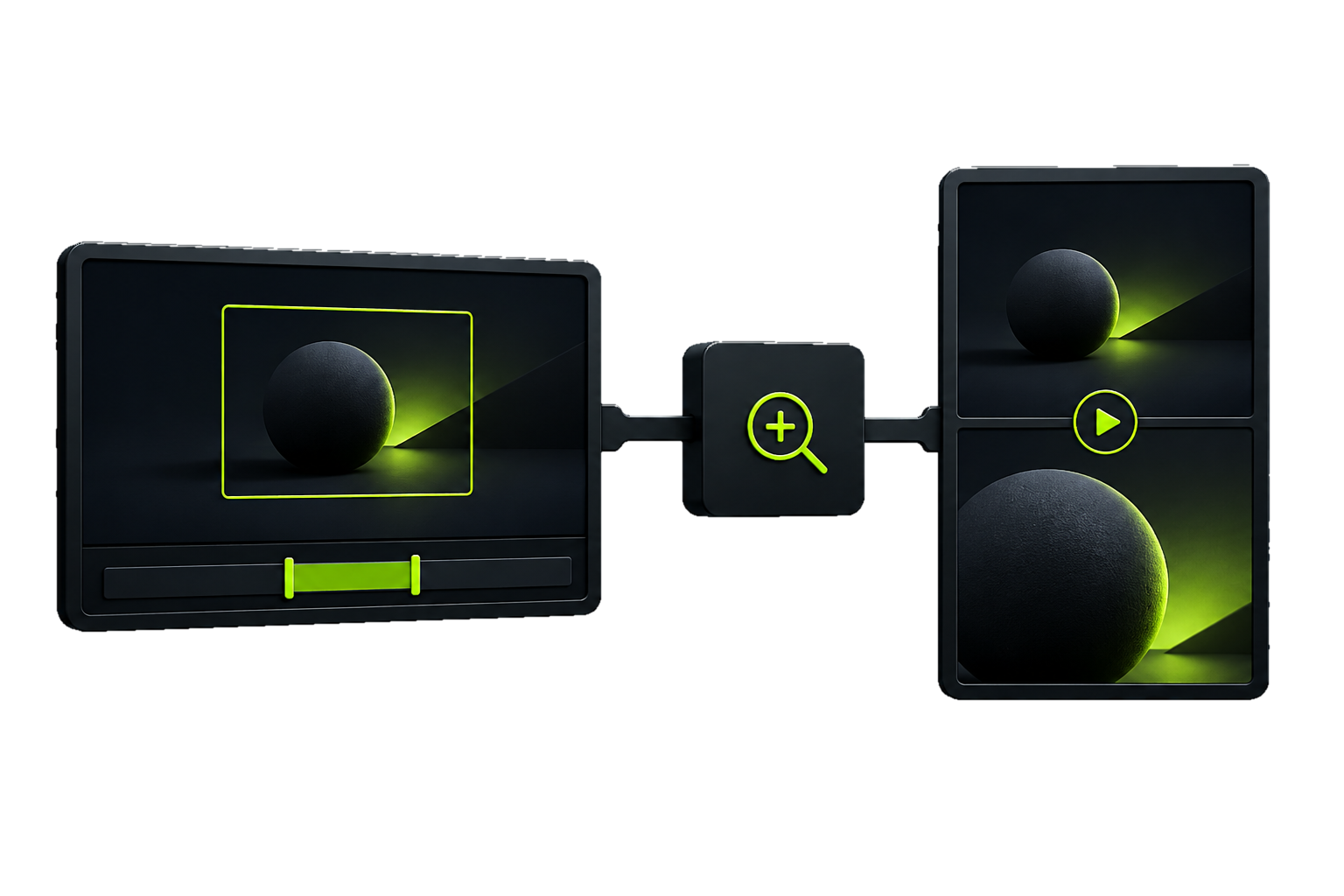
Paste in a long video, trim the part you need, and set what to zoom into — even two views stacked on top of each other.
Explore →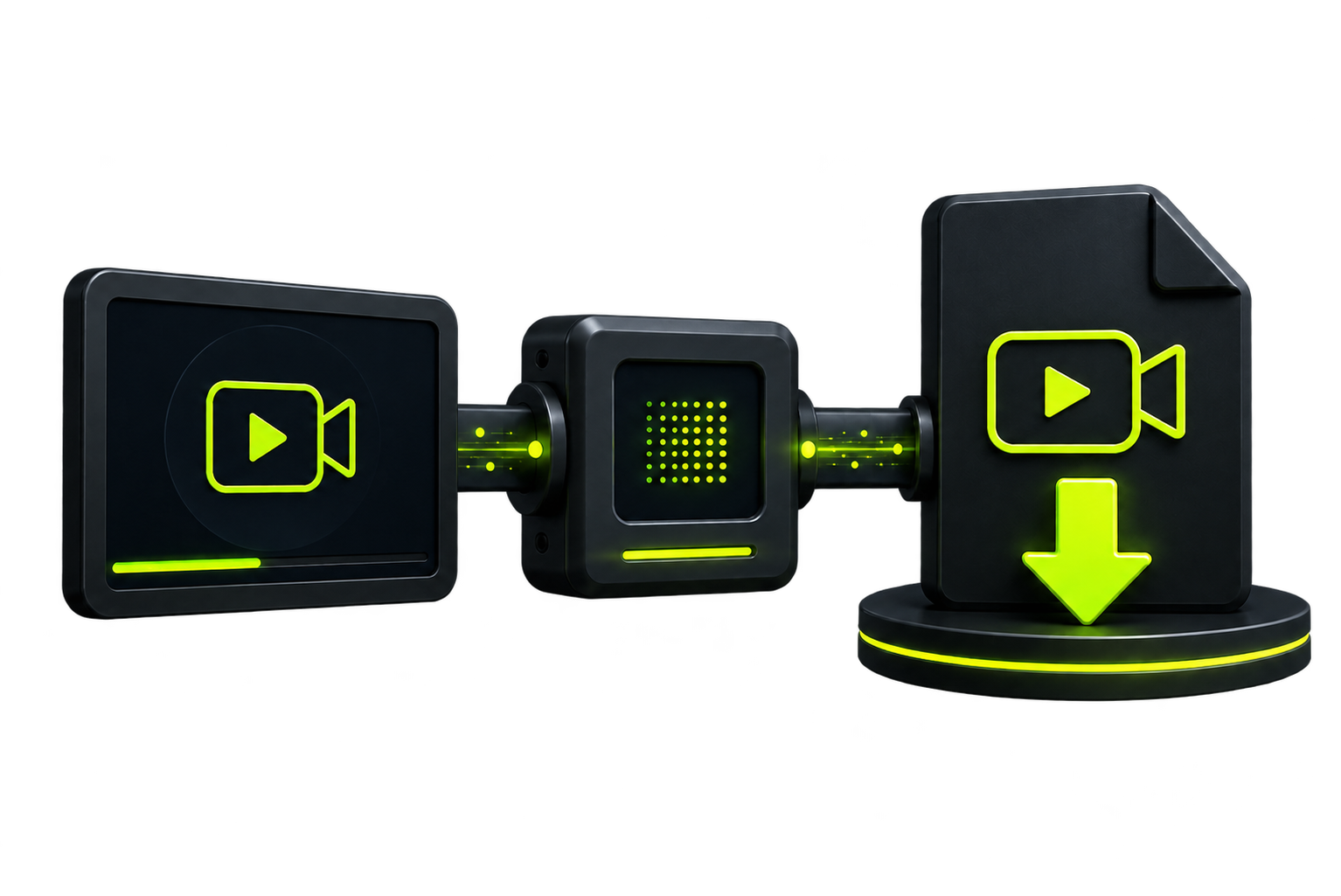
Paste in a YouTube, TikTok or Instagram link and download it in good quality, as MP4.
Explore →SIMPLE WORKFLOW
Leave the technical details to Sybora. All you need to bring is the idea.

SIMPLE, TRANSPARENT PRICING
Start small, switch anytime, and buy extra credits if you run out of your monthly quota.
Perfect for getting started.
For active content creators.
For teams and a bigger pace.
Secure online paymentPayments are processed by Stripe on an encrypted, PCI-DSS compliant system.





CREATOR EXPERIENCES
Here's how Sybora makes creating short-form videos simpler and faster.
I used to juggle several different programs just to make one short. In Sybora I finally find every tool I need in one place.
 EVERYTHING IN ONE PLACE
The Video Ranking tool makes top-list videos so much faster to build. Just paste in the clips, set the order, and render.
VIDEO RANKINGEven as a beginner, the interface is easy to follow. You don't need to watch long tutorials to finish your first piece of content.
EASY TO USEAI Voiceover saves a ton of time. Type the script, pick a voice, and the narration is done in a few clicks.
AI VOICEOVERYou can create the images, the script and the voiceover all on the same platform — the whole workflow feels much smoother.
FAST WORKFLOWSplit Screen is especially useful for reaction videos. Two clips come together quickly, and the result looks great on mobile too.
SPLIT SCREENWhat Sybora helps with most is turning an idea into a video quickly. You spend less time on technical details and more on the content itself.
IDEA TO VIDEOI used to juggle several different programs just to make one short. In Sybora I finally find every tool I need in one place.
EVERYTHING IN ONE PLACEThe Video Ranking tool makes top-list videos so much faster to build. Just paste in the clips, set the order, and render.
VIDEO RANKINGEven as a beginner, the interface is easy to follow. You don't need to watch long tutorials to finish your first piece of content.
EASY TO USEAI Voiceover saves a ton of time. Type the script, pick a voice, and the narration is done in a few clicks.
AI VOICEOVERYou can create the images, the script and the voiceover all on the same platform — the whole workflow feels much smoother.
FAST WORKFLOWSplit Screen is especially useful for reaction videos. Two clips come together quickly, and the result looks great on mobile too.
SPLIT SCREENWhat Sybora helps with most is turning an idea into a video quickly. You spend less time on technical details and more on the content itself.
IDEA TO VIDEOWith Clip Compiler I don't have to manually cut every piece together. I just set the order of the clips and export the whole video at once.
CLIP COMPILERAI Copywriting gives me a good starting point whenever I can't think of the right title or hook. It's made content planning faster.
AI COPYWRITINGWith Zoom Clip I can easily turn longer footage into a vertical video. It's especially handy that I can pick exactly the part to zoom into.
ZOOM CLIPClean, fast, and not cluttered with unnecessary settings. It's exactly what I need for making short videos on a regular basis.
CLEAN INTERFACEWith Text Story I make message-thread style videos in minutes. The same thing used to take a lot more manual editing.
TEXT STORYI can produce more content in the same amount of time. To me, that's Sybora's biggest advantage.
MORE CONTENTI really like that I don't have to switch between five different apps. My projects are clearer and get finished faster.
CLEAR PROJECTSWith Clip Compiler I don't have to manually cut every piece together. I just set the order of the clips and export the whole video at once.
CLIP COMPILERAI Copywriting gives me a good starting point whenever I can't think of the right title or hook. It's made content planning faster.
AI COPYWRITINGWith Zoom Clip I can easily turn longer footage into a vertical video. It's especially handy that I can pick exactly the part to zoom into.
ZOOM CLIPClean, fast, and not cluttered with unnecessary settings. It's exactly what I need for making short videos on a regular basis.
CLEAN INTERFACEWith Text Story I make message-thread style videos in minutes. The same thing used to take a lot more manual editing.
TEXT STORYI can produce more content in the same amount of time. To me, that's Sybora's biggest advantage.
MORE CONTENTI really like that I don't have to switch between five different apps. My projects are clearer and get finished faster.
CLEAR PROJECTSFREQUENTLY ASKED QUESTIONS
Yes, there's no long-term commitment. After cancelling, you can still use your account until the end of the current billing period.
You can switch to a bigger plan or buy extra credits — anytime, from the Billing page in your account. Video and AI credits are tracked separately, so you can see exactly which one you need more of.
You can paste in links from TikTok and Instagram alike — the system downloads it, and from there you can work with it in your own project.
The uploaded source material and the video made from it both remain yours — you can download it and publish it anywhere you like, anytime.
Basic (30 videos / 200 AI credits / 30-day project storage) is enough to get started. Pro (90 videos / 500 AI credits / 90 days) is for regular content creators and includes Brand Kit. Business (200 videos / 1200 AI credits / 180 days) is for teams and a bigger pace, with unlimited video length and an advanced Brand Kit.
It depends on your plan: Basic 30 days, Pro 90 days, Business 180 days. Within the retention period you can return to a project anytime and export it again.
MP4 format, in 9:16 (Shorts/Reels/TikTok) or 1:1 aspect ratio — ready to publish directly.
Yes, the interface is optimized for mobile too, right from the browser — no separate app installation needed.
Card payments are processed by Stripe on an encrypted, PCI-DSS compliant system — Apple Pay and Google Pay are also available on supported devices.
No. Sybora was built specifically so you can finish your first video quickly without any prior editing experience — most tools work with just a few clicks, templates and AI assistance.
READY TO CREATE?
Try Sybora, and create more content with fewer clicks.